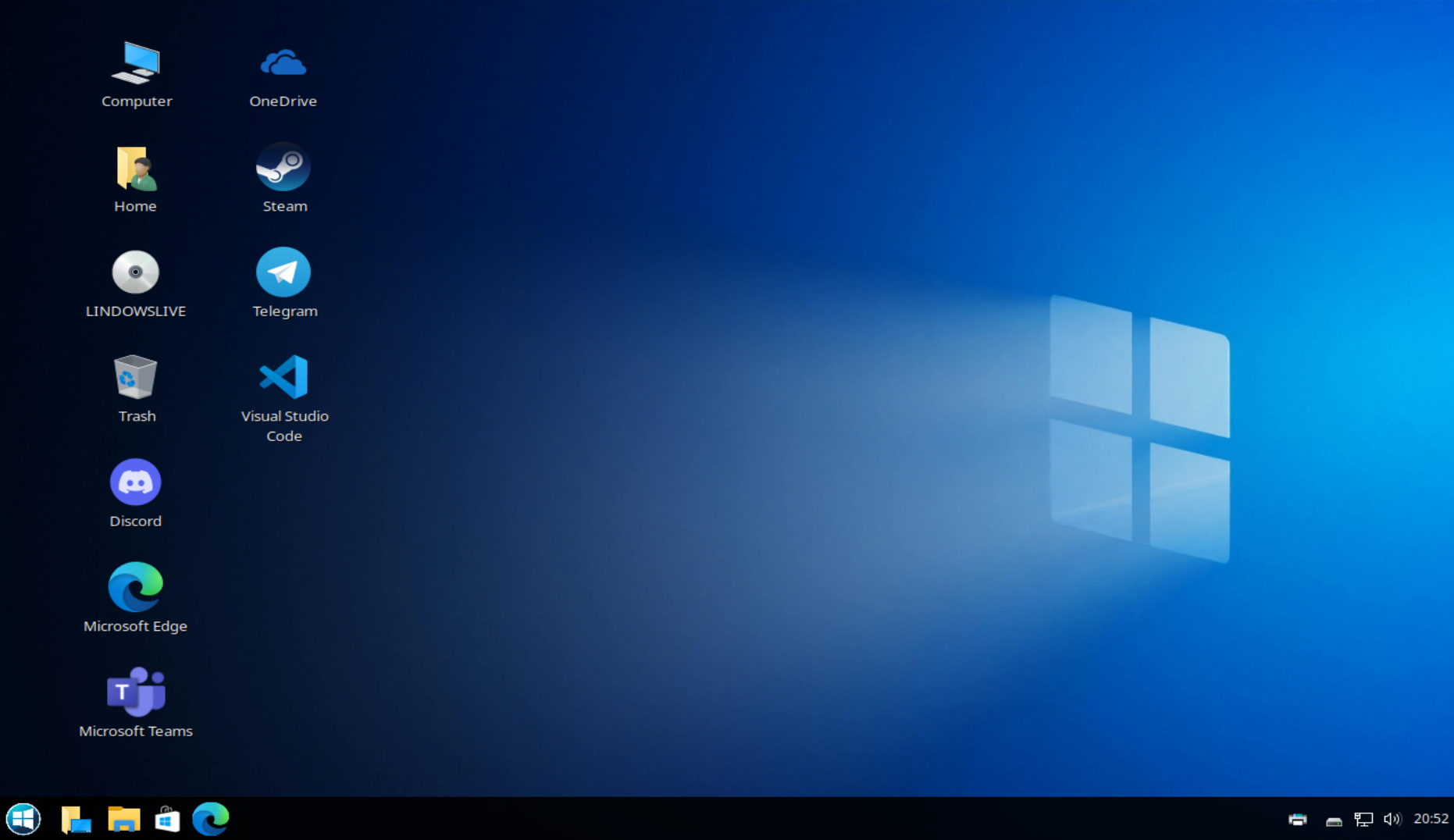
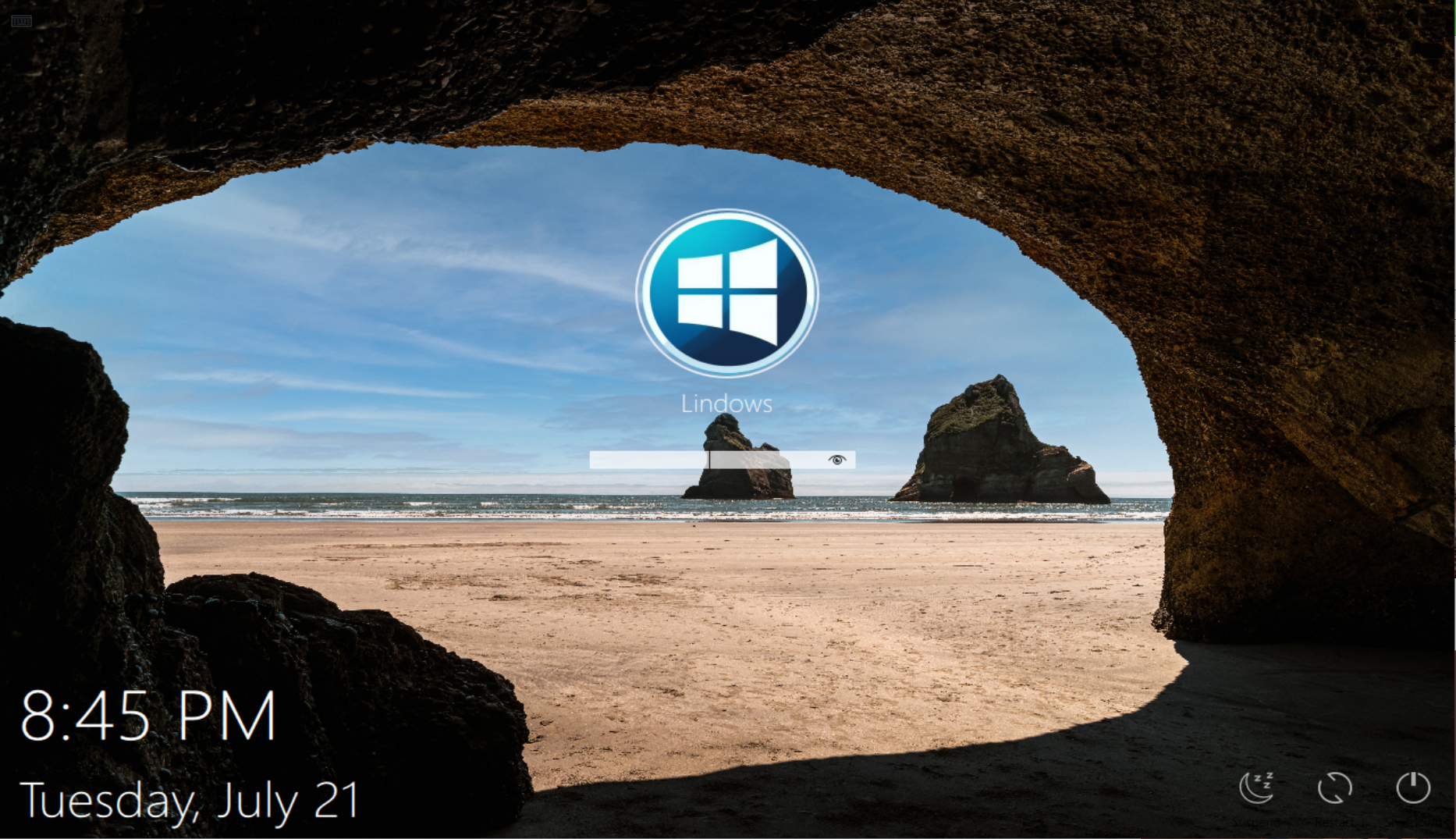
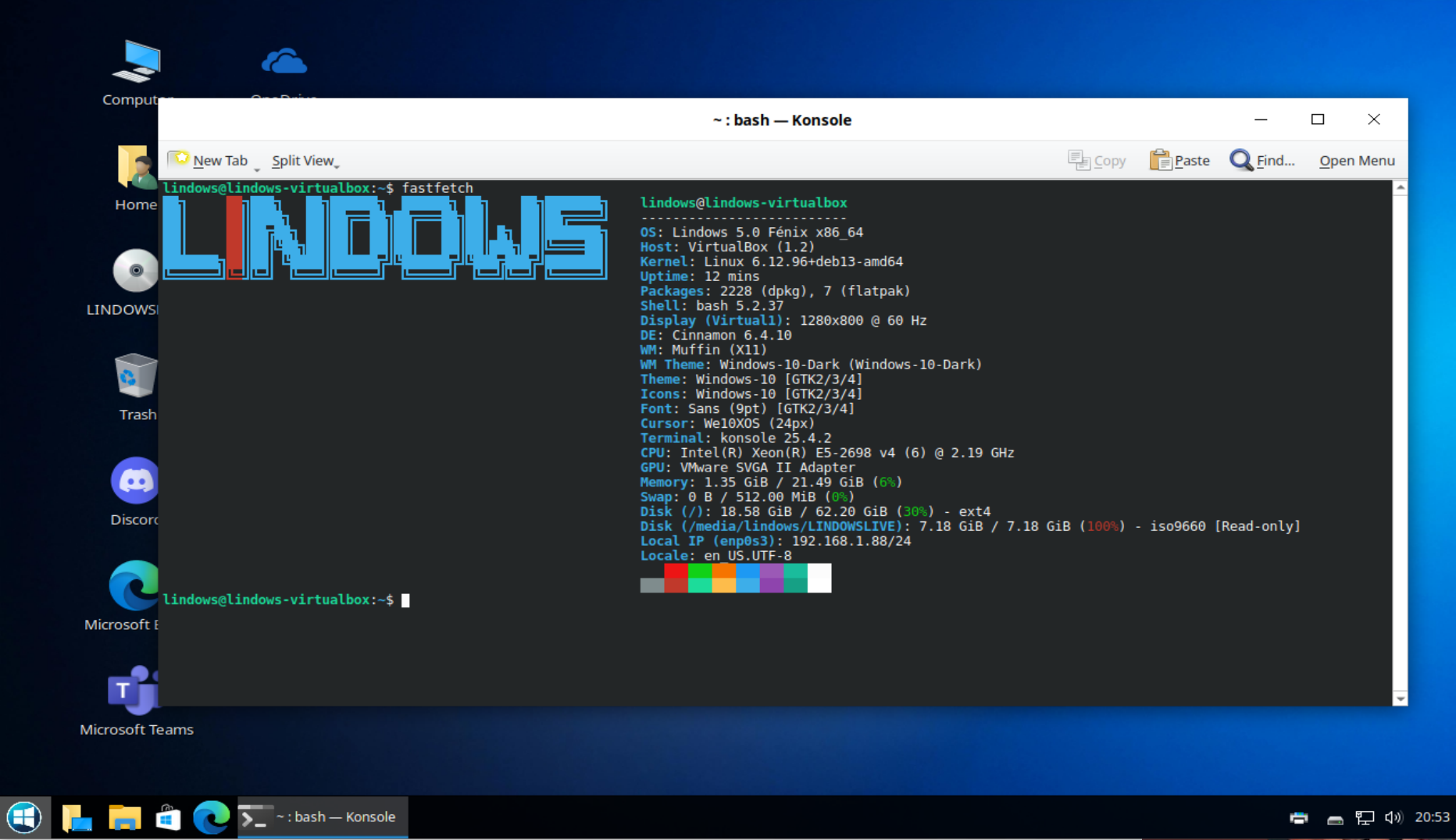
Experience the look and feel of Lindows. Explore screenshots of the elegant desktop, secure login screen, and a collection of familiar applications that Windows users already know. Lindows combines the stability and security of Linux with an interface designed to feel instantly familiar.
Use these boxes to preview how the final page should feel. The actual imported Elementor version will use the same section rhythm and placeholder sizes.
The login screen
Slot 02 — Desktop overview: wide view showing the wallpaper, taskbar, and core UI.
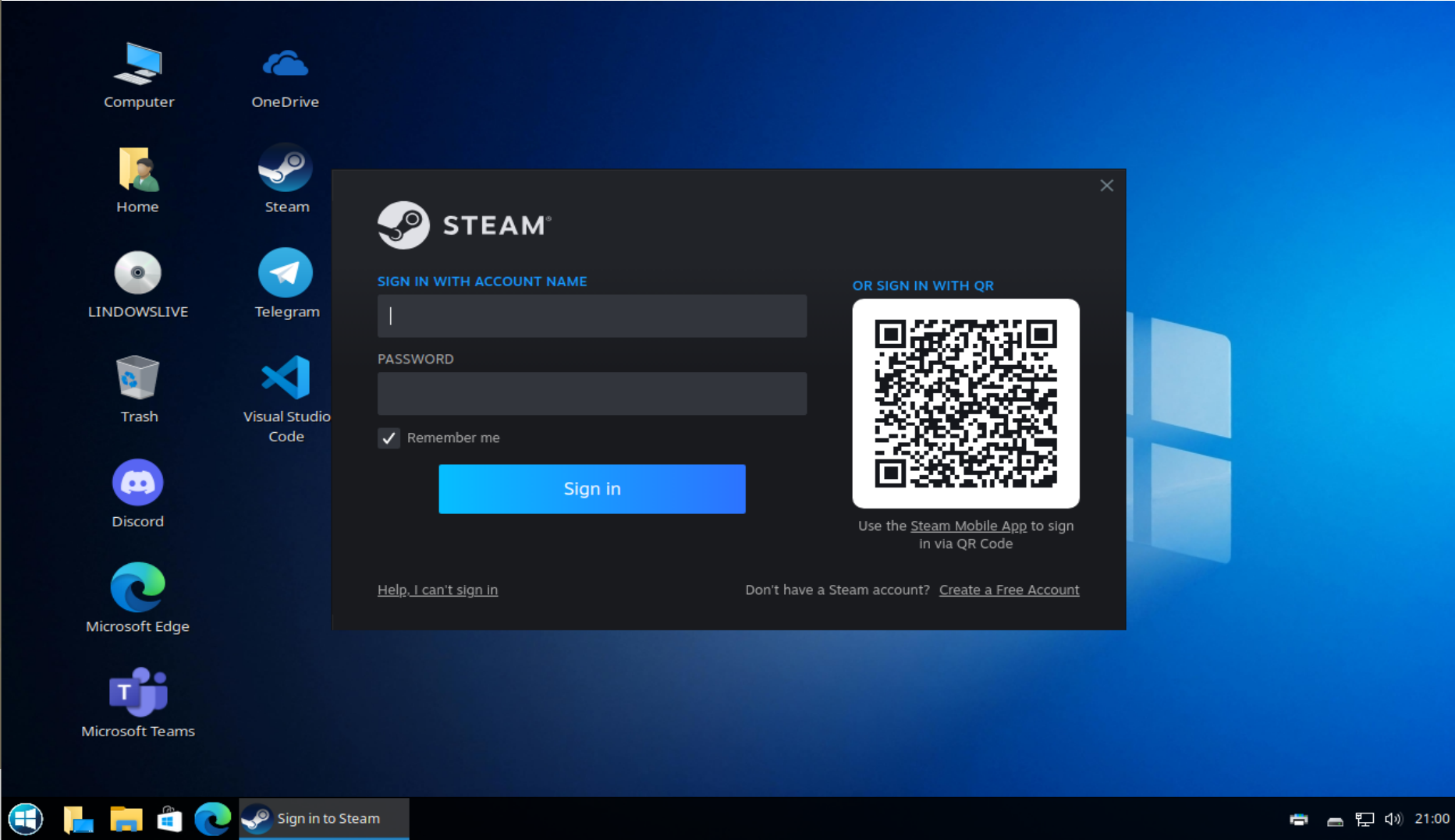
Steam is also inlcuded with all your favorite games
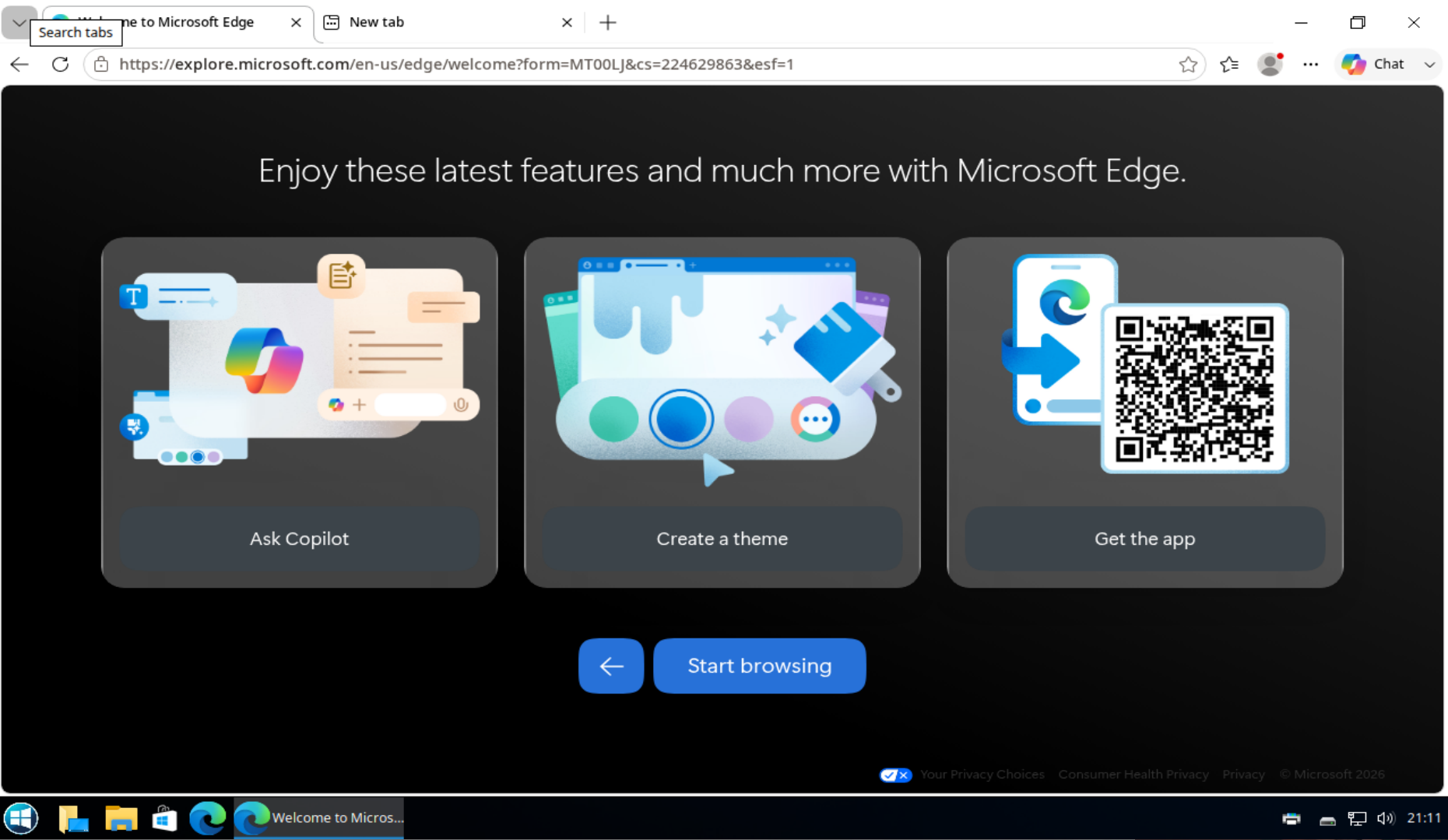
Microsoft Edge Browser
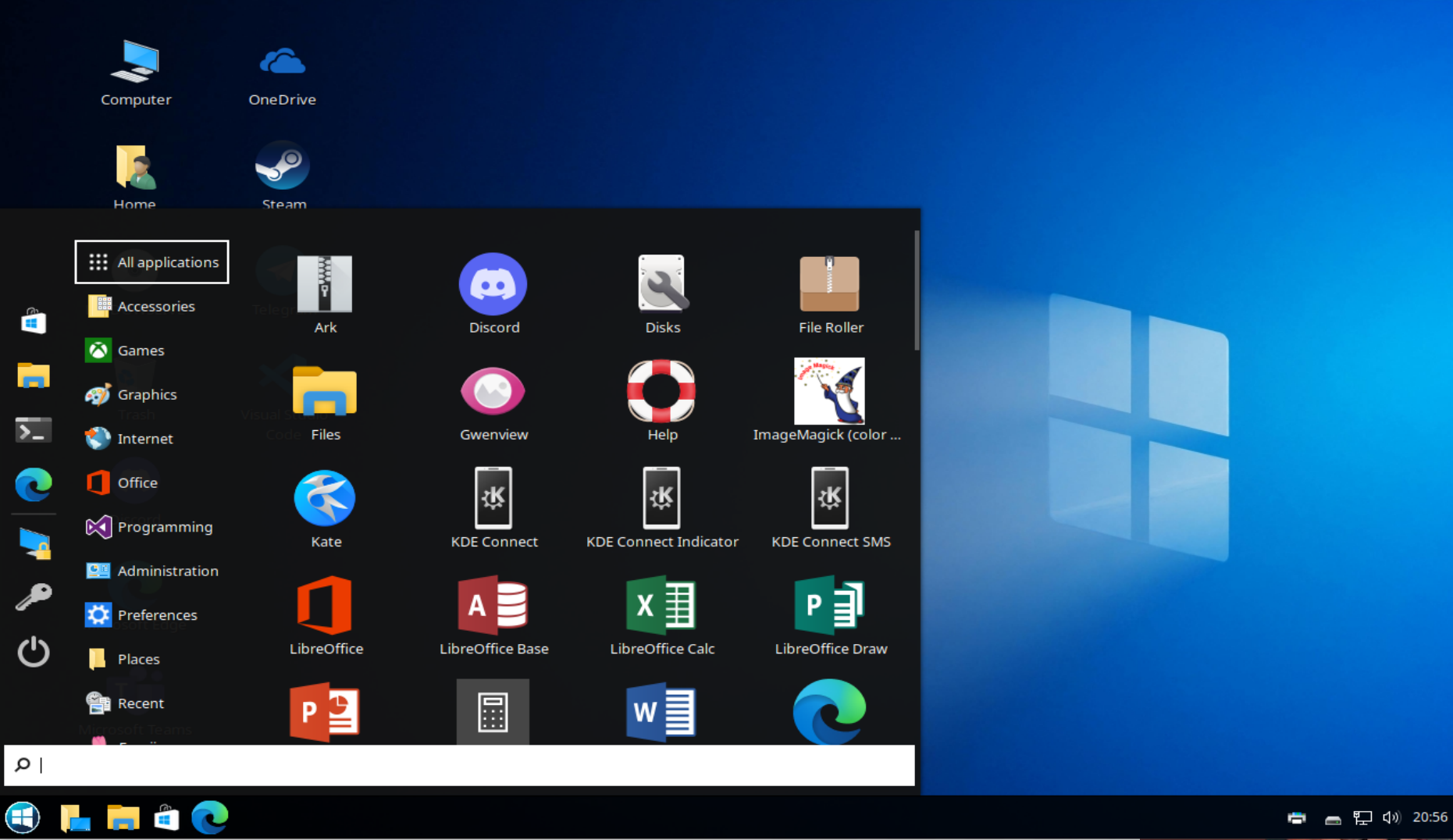
Microsoft WIndows Style Menu
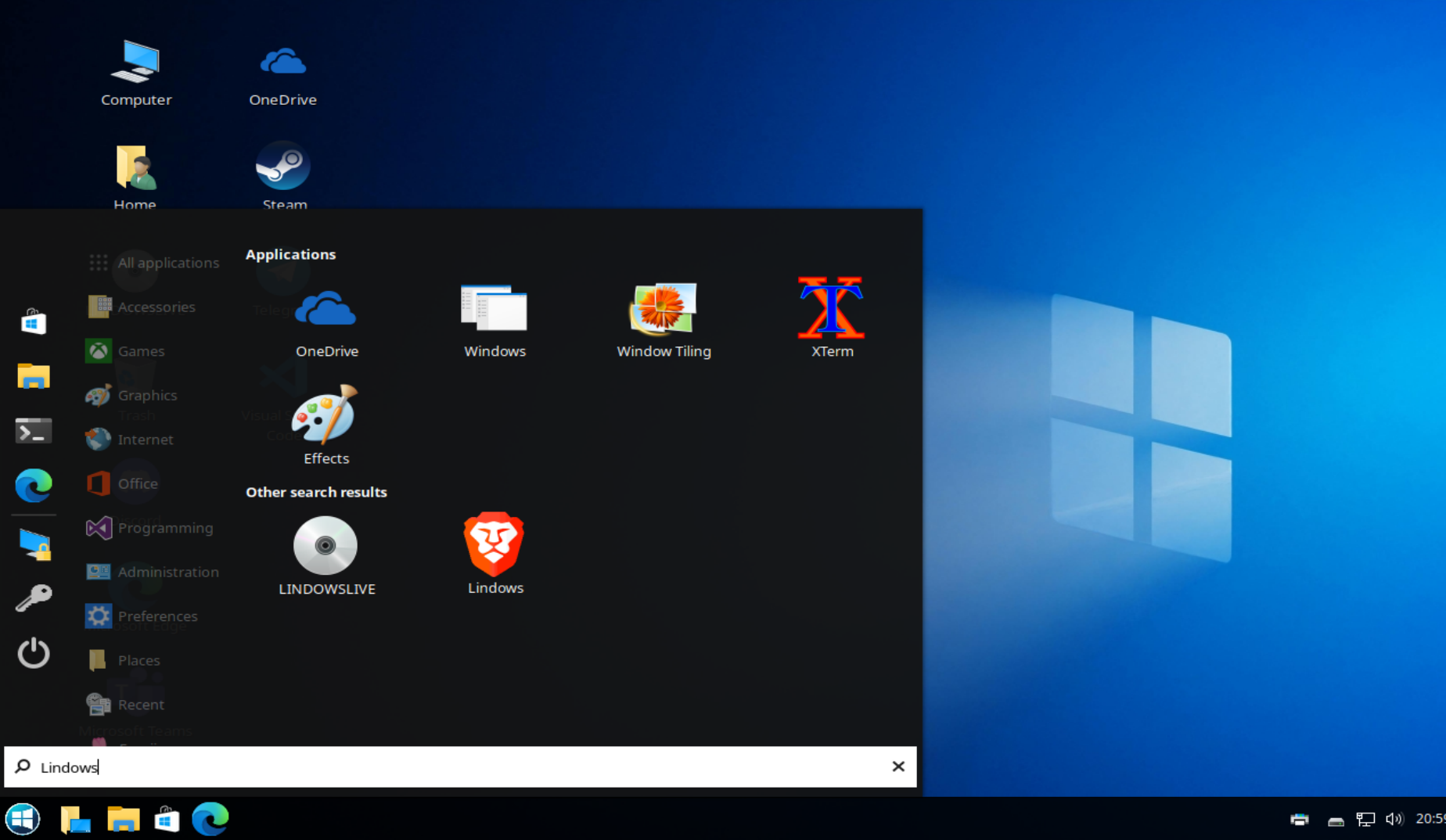
Search from your menu with Brave Privacy Search Engine.
How to use this preview
Open this HTML file on Windows, Mac, or Linux. No local links, no WordPress dependencies — just a visual check for the layout.
1. Review layout Check the spacing before you import anything.
2. Replace placeholders Use your actual screenshots in Elementor later.
3. Import JSON Try the strict export first, then the legacy version if needed.